Start with a written brief
Imagine a work-and-guest room from a written brief
Build a written brief around a guest-and-work arrangement, storage for mixed activities and a clear focal zone. This generator starts from words, so describe the room's proportions and the relationships you want rather than expecting it to reconstruct an existing home.
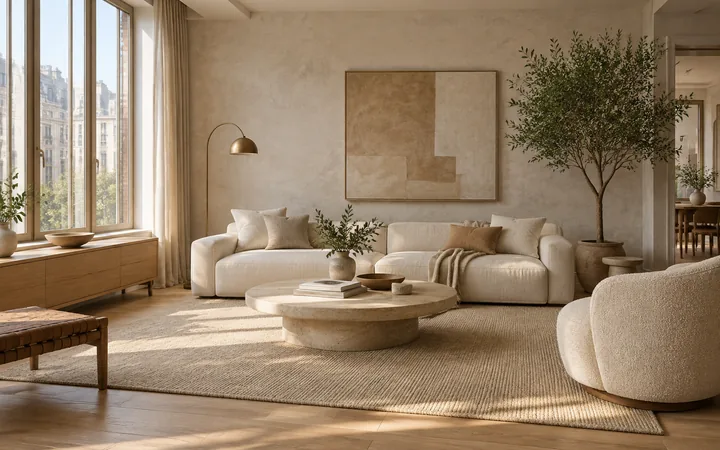
What to explore
- Prepare a visual brief before you have photographs of a future room.
- Compare a daybed-and-desk concept with a hobby-room arrangement using the same written proportions.
- Decide which storage, daylight and guest-use requirements to take into a later site-specific design.
From a brief to a concept
Describe the space
Describe the room shape, approximate proportions and the entrance, window access and the furniture that must remain; state these as requirements, not measured output.
Set one design priority
Choose a direction below and adapt it to the entrance, window access and the furniture that must remain. Use the workspace's available controls and add the remaining requirements in words.
Review the relationships
Check whether the secondary activity still has usable space when the main furniture is in use.
Try a design direction
Suggested brief
Create one interior concept from this written brief: Combine a compact desk with a daybed and closed storage. Separate the work surface from the sleeping zone and keep the window accessible.
Suggested brief
Create one interior concept from this written brief: Place a robust craft table near daylight, use closed storage for supplies and leave an open route around the main work surface.
How to review the result
- Check whether the requested activities, furniture and daylight priorities appear in the image; record anything invented or omitted.
- Keep room shape and the main furniture list constant while comparing directions. Changes in viewpoint or room size can disguise the actual tradeoff.
What the image cannot establish
- A text brief creates an imagined room; stated dimensions are design requirements, not verified output measurements.
- Generated furniture and finishes are illustrative, with no confirmed product identity or specification. Use a real photo for an existing-room study and measured information for layout work.
Before you begin
- Describe the room shape, approximate proportions and the entrance, window access and the furniture that must remain; state these as requirements, not measured output.
- Choose one main priority such as a guest-and-work arrangement and explain how storage for mixed activities should support it.
Questions about this workflow
Should I choose a room-specific guide instead?
Choose a specific guide when the room has a clear purpose such as sleeping, cooking or exercise. This general guide is useful when you are still deciding how activities should share one room.
Do I need an existing room photo?
No. This is a text-first entry. Include the entrance, window access and the furniture that must remain in your description if those constraints matter. Use the matching design guide when you want to start from a photo.
What should I compare when exploring a guest-and-work arrangement?
Change one direction at a time and inspect storage for mixed activities and a clear focal zone in the same image. Check whether the secondary activity still has usable space when the main furniture is in use.
Will it reproduce my real room?
A written brief creates an imagined space. It does not recover the dimensions, furniture or viewpoint of your real room.
How do I move from an imagined room to my actual space?
Keep the useful requirements from the concept. Once you have a source photo, use Room Design to study that visible space; use Room Planner if you need to discuss top-down furniture and circulation relationships. Neither route verifies dimensions.
Bring your own brief
Take a direction into the workspace, adapt it to your project and compare the result against your real constraints.